Spent app icon
macOS Menubar App · Live Cost Tracking

Your time
has a price.

Your time has a price. Now you can watch it tick away or earn it back. See exactly what distraction costs you, live.

YouTube −$0.00
Net today −$3.42
Xcode +$1.87
Download on the App Store
One-time $2.99 No subscription, no ads macOS 14 Sonoma+
Spent: Distraction Cost Tracker
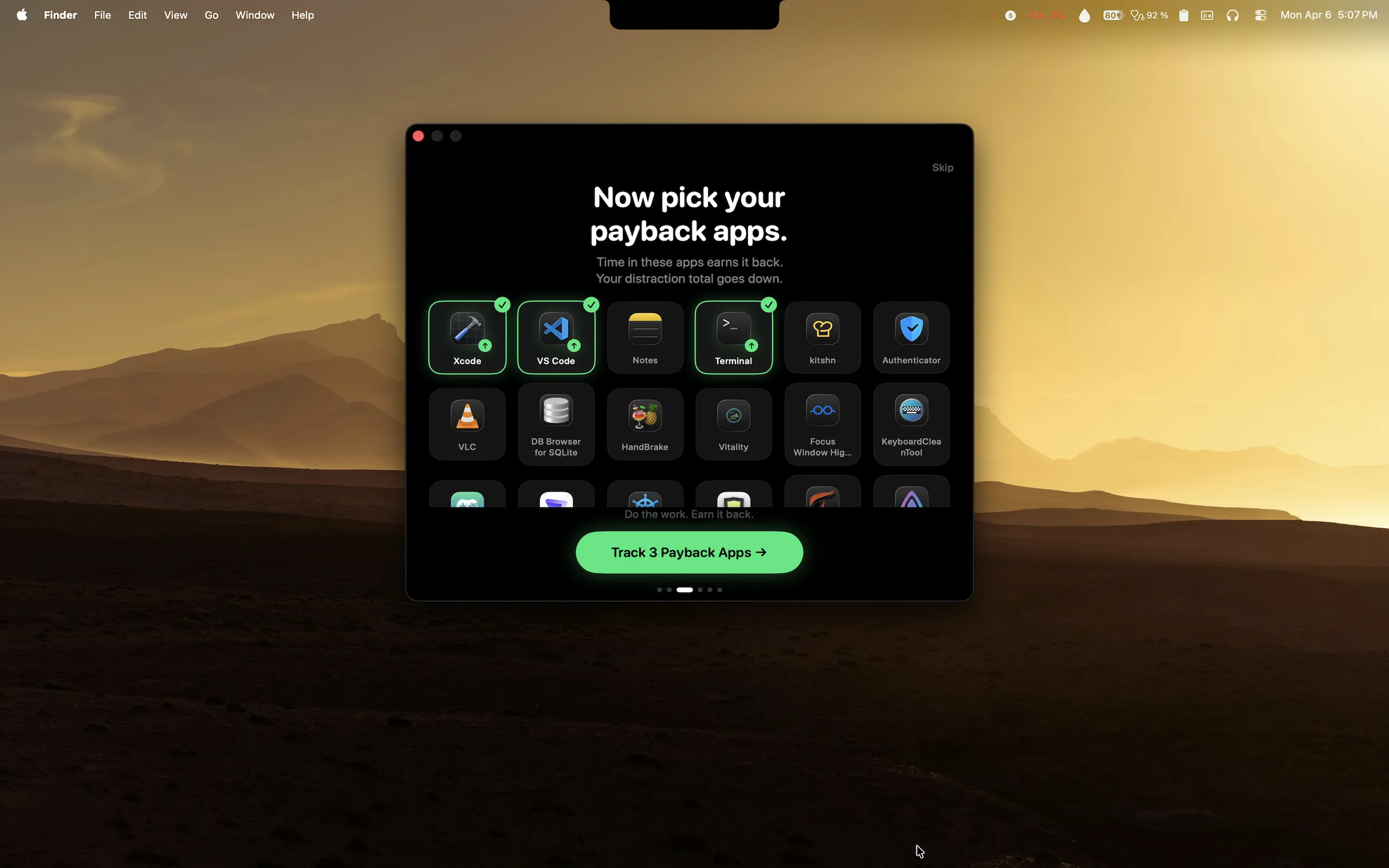
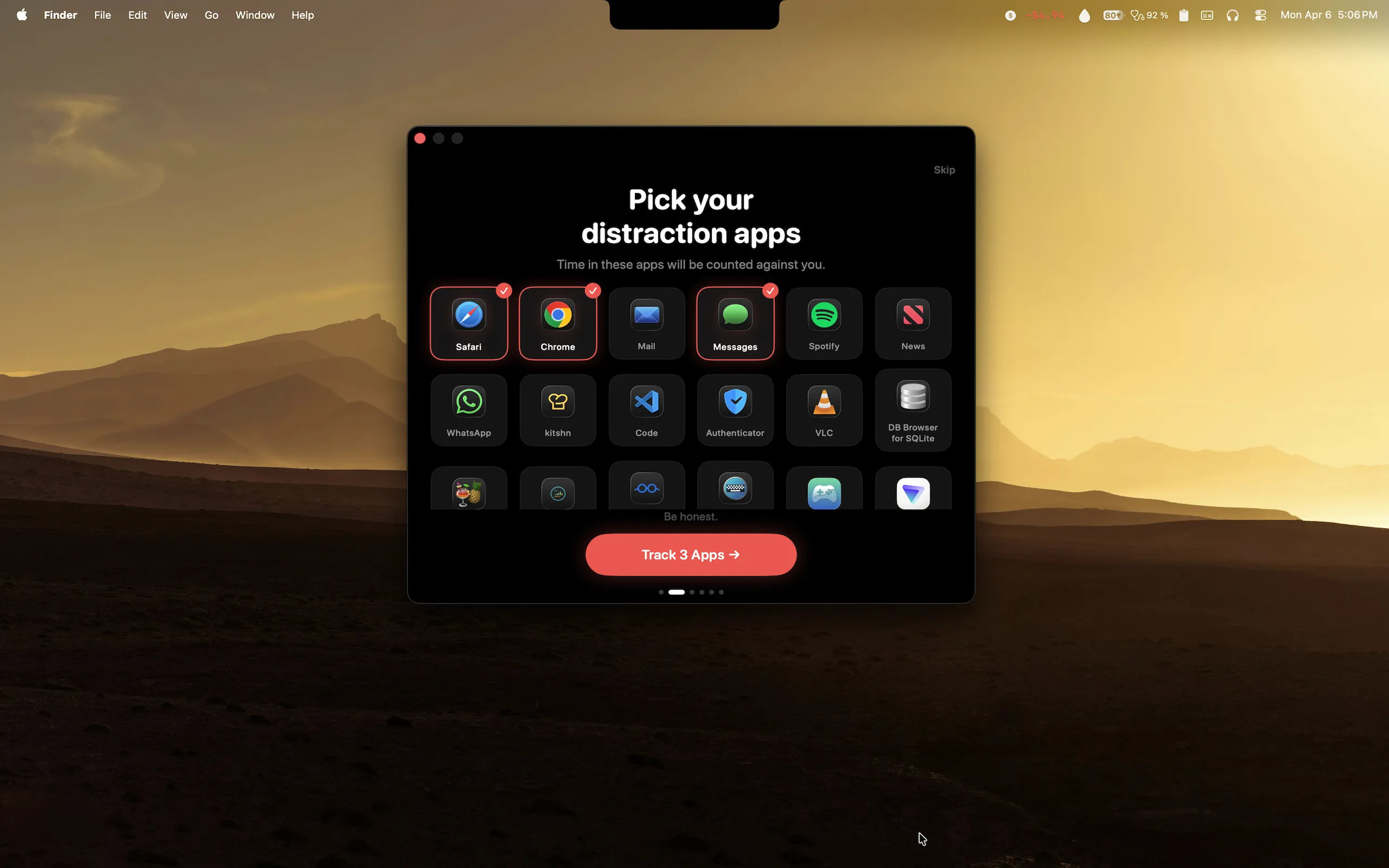
Spent app: choose your distraction apps
−$0.03 / min in YouTube +$1.25 earned in Xcode Live menubar display −$2.40 in Twitter today +$3.00 earned in Figma 3 widget modes Zero data collected −$5.10 lost in Reddit Net positive by 5pm 6 color themes Weekly summary reports −$0.03 / min in YouTube +$1.25 earned in Xcode Live menubar display −$2.40 in Twitter today +$3.00 earned in Figma 3 widget modes Zero data collected −$5.10 lost in Reddit Net positive by 5pm 6 color themes Weekly summary reports
$2.99One-time purchase
LiveReal-time cost display
ZeroData collected
macOS
14+
Sonoma & later
Distraction Tracking

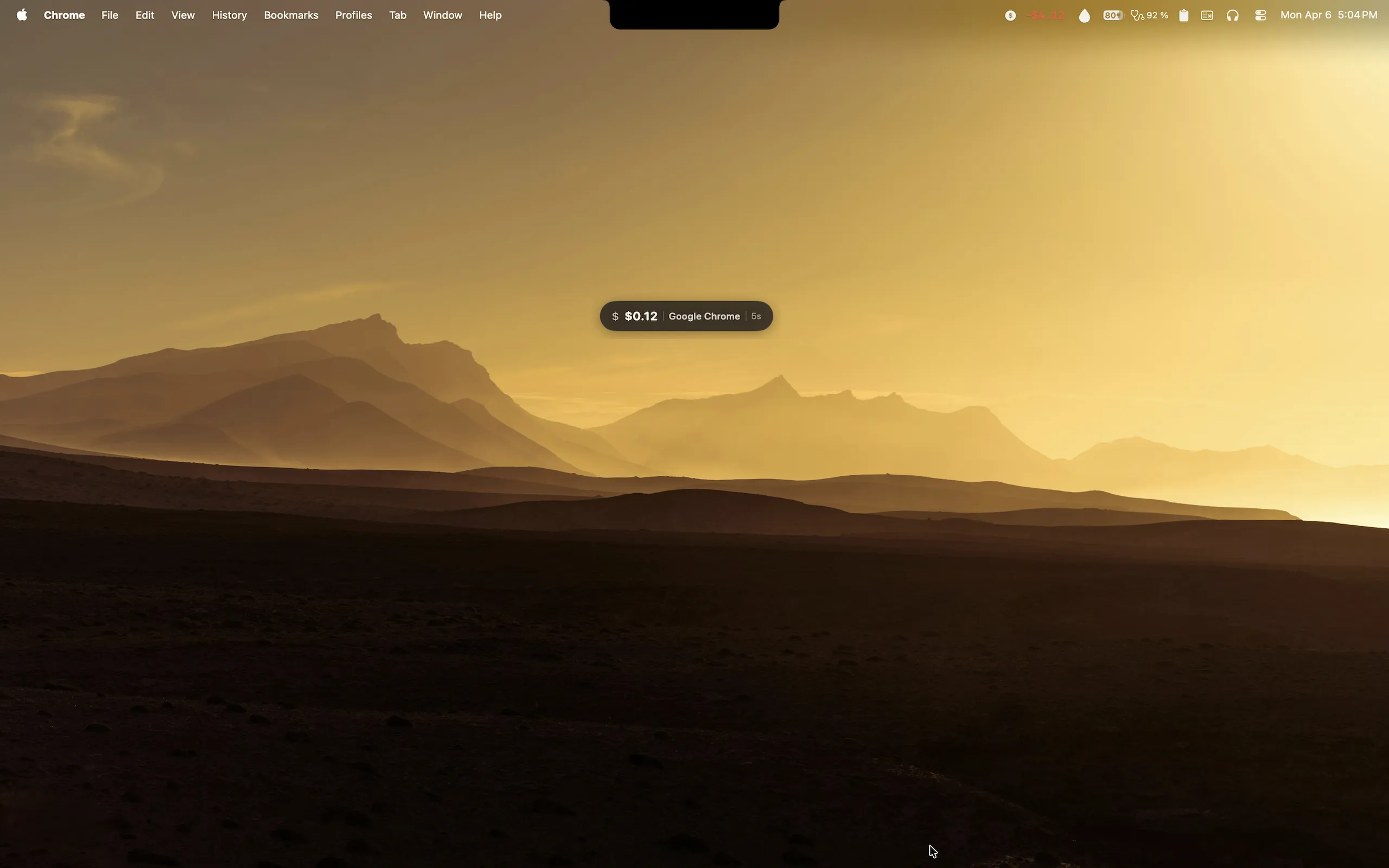
Watch the cost tick up in real time

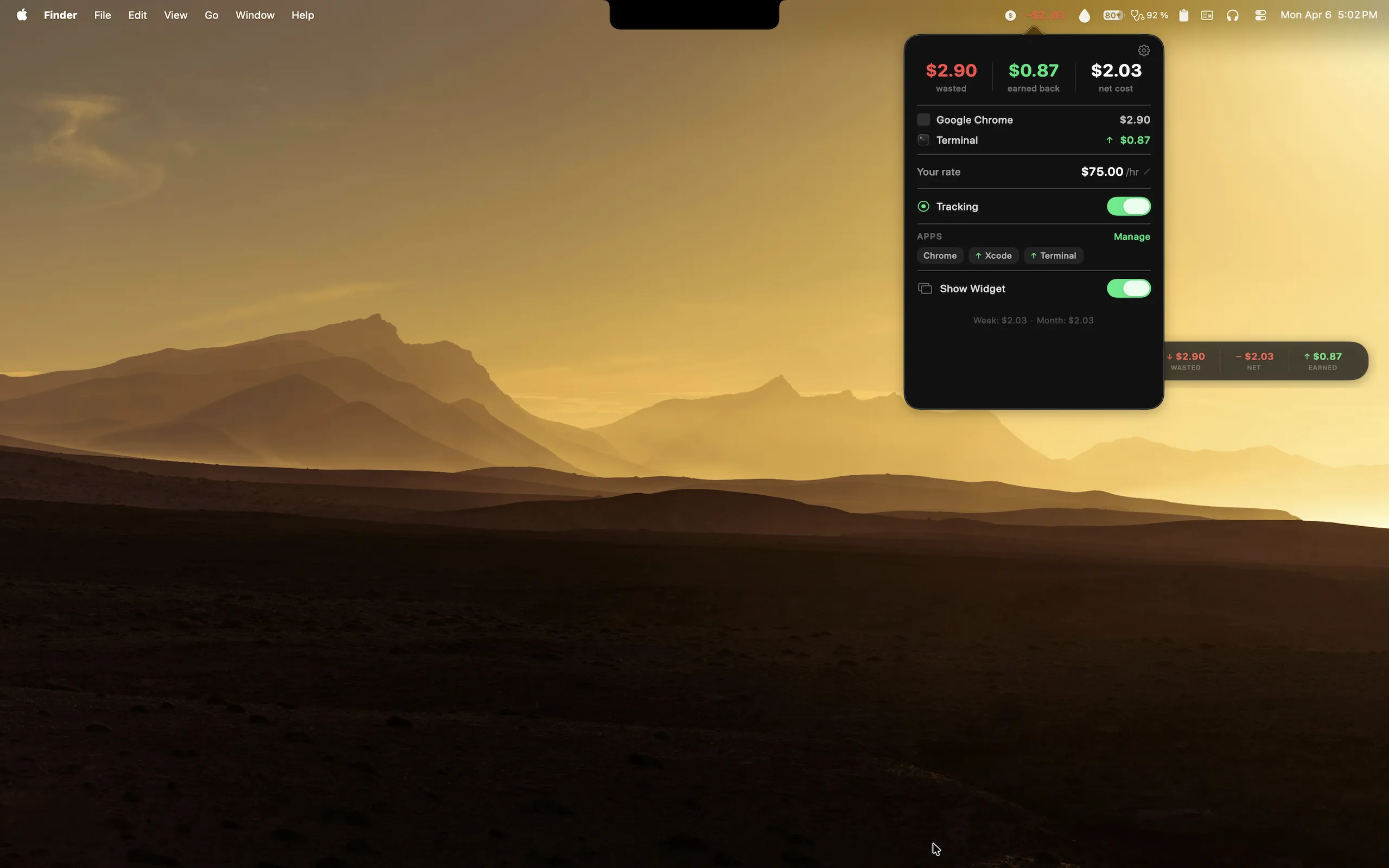
Set your hourly rate. Pick your distraction apps: YouTube, Twitter, Reddit, Slack. Every second you're in one, a dollar counter ticks up in your menubar. Visible, always, so you can't ignore it.

  • Live dollar cost displayed in your macOS menubar
  • Floating desktop widget in 3 modes: Tracker, Net, Stats
  • No screen recording required, just app focus detection
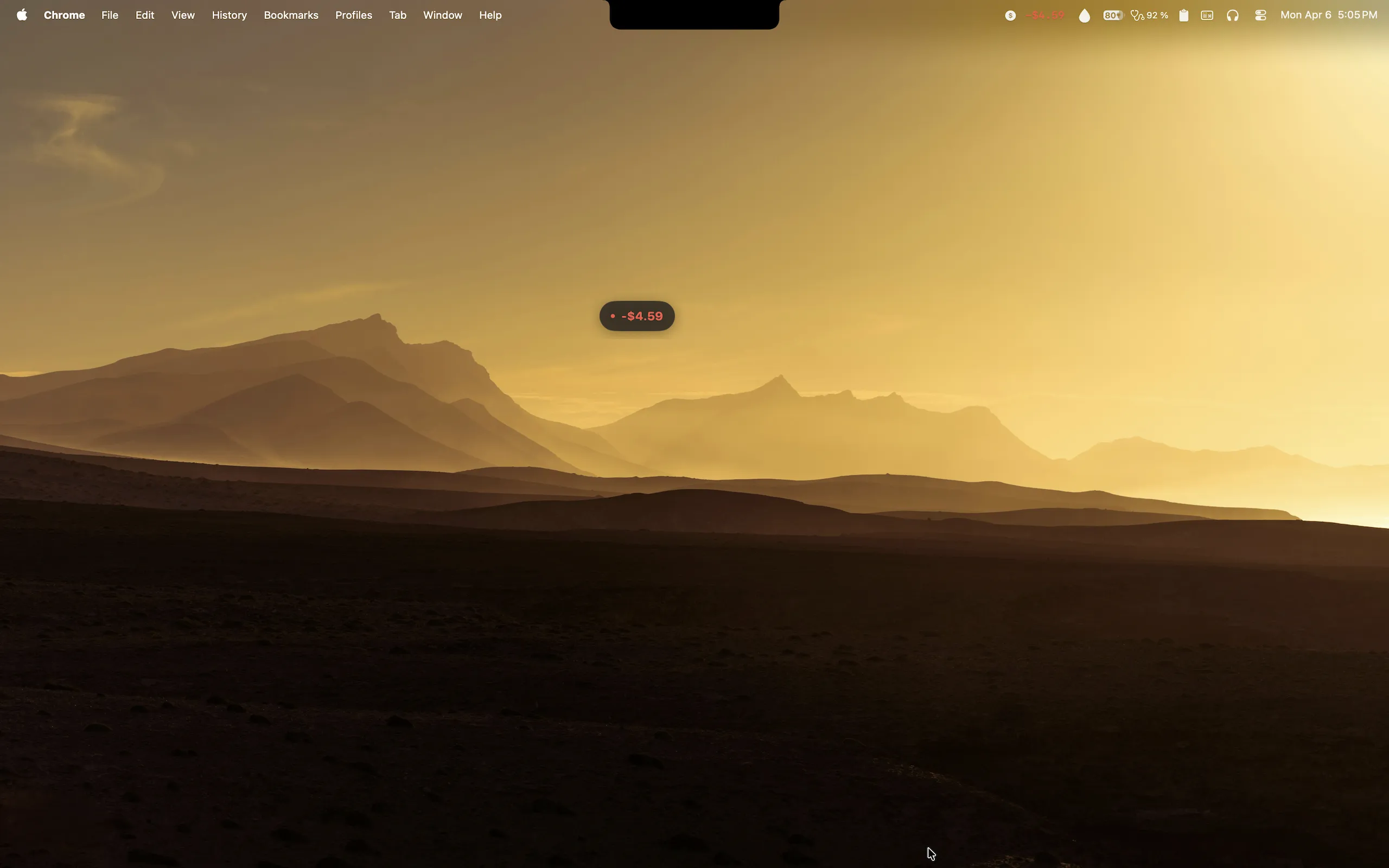
Spent menubar popover showing live cost tracking for Chrome and Terminal
Ticking live
Every second counts
Payback Apps

Earn it back in productive apps

Time in Xcode, Figma, Word, or any app you choose earns your cost back. Work enough and you go net positive. The goal: end the day green, not red.

  • Designate any app as a "payback" app
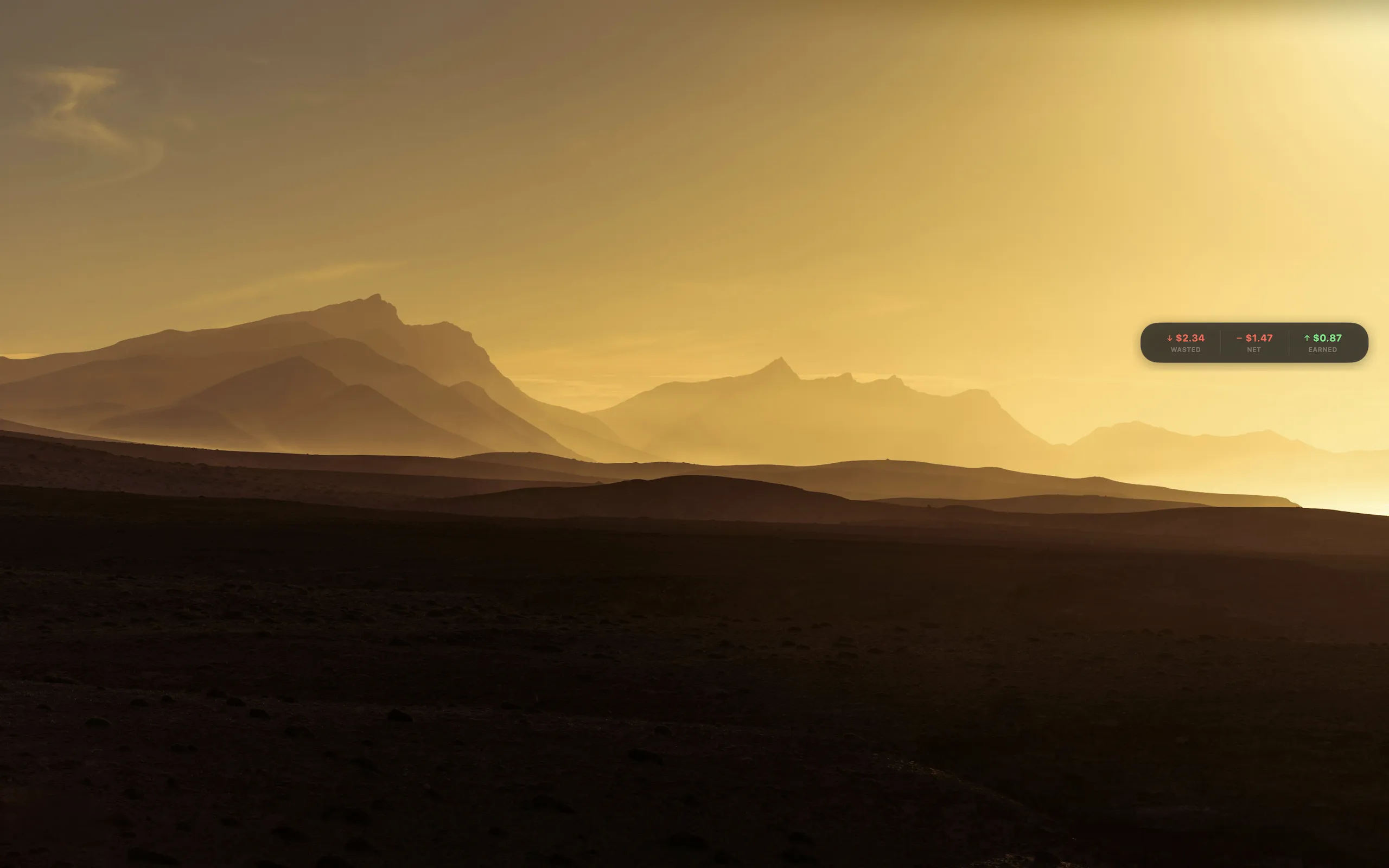
  • Net balance shows Wasted, Earned, and Net at a glance
  • Menubar shows +$X.XX green when you're net positive
Spent payback apps: earn your cost back in productive apps
Widgets & Themes

Three widget modes, six color themes

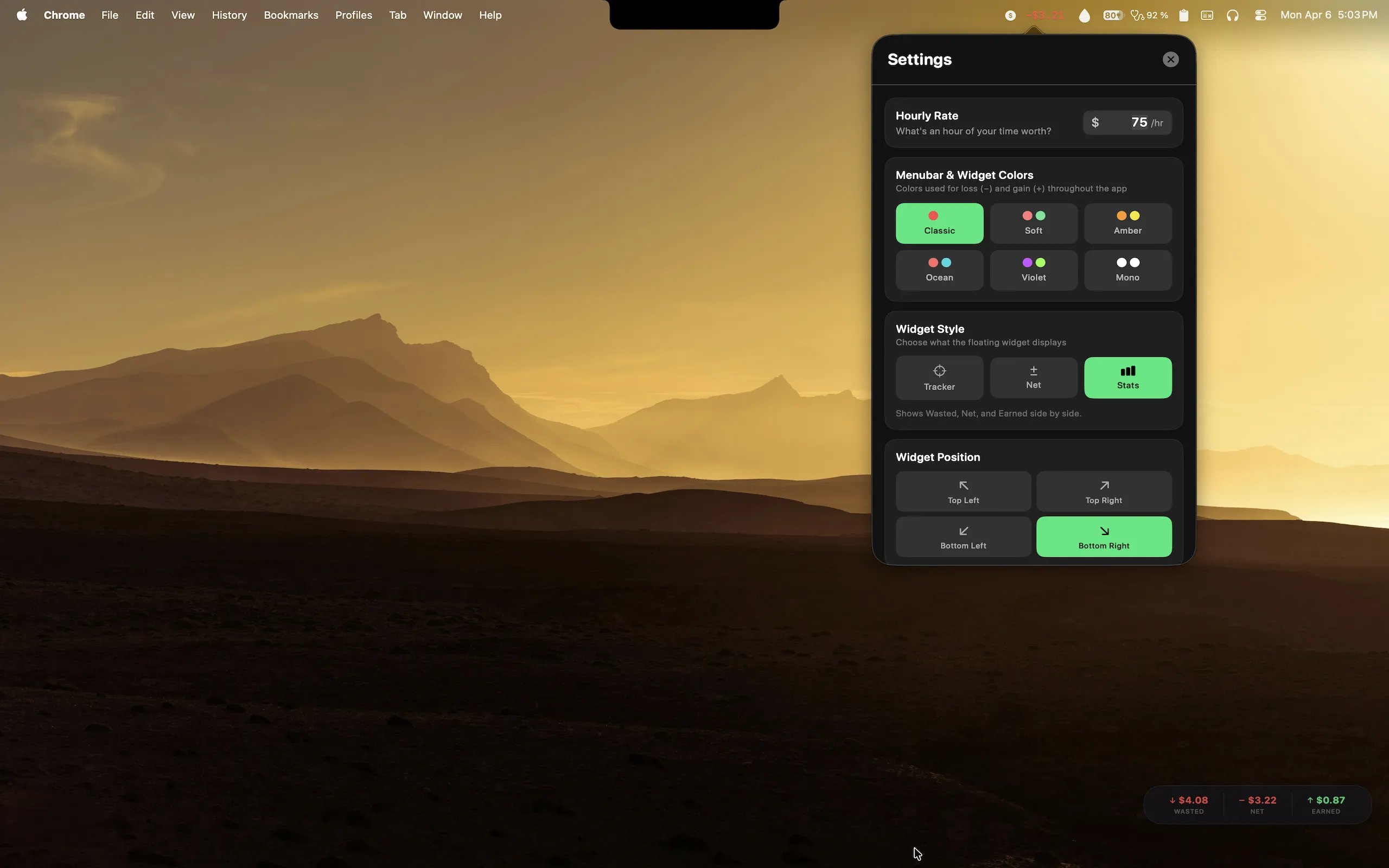
Choose how you see your cost. Tracker mode shows the live session. Net mode is a minimal pill. Stats mode is a three-column dashboard. Six themes so it looks right on any desktop.

  • Floating widget stays above other windows
  • Classic, Soft, Amber, Ocean, Violet, Mono. Pick yours.
  • Launches silently at login, no Dock icon
Spent settings: six color themes, widget style and position

Psychology, not willpower

Seeing money leave in real time hits different than reading a weekly screen time report after the fact.

Live

Not after the fact

Most apps show you the damage on Sunday. Spent shows you the cost the second you open YouTube.

Earn it back

Productive apps subtract from your total. It's not just punishment. There's a path to net positive.

Full privacy

No screen recording. No account. No analytics. Only one piece of data: which app is in focus. It never leaves your Mac.

$2.99

One-time. No subscription. No ads. Ever.

Pay once, use forever. No upsells, no premium tier, no recurring charge hiding in your subscriptions list.

YouTube−$1.25
Xcode+$2.10
Net today+$0.85

Live balance

Always in your menubar

Runs quietly from startup. No Dock icon, no clutter. Just a small number that tells the truth.

Weekly reports

Every Monday at 9am, a notification tells you last week's distraction cost and which app hurt you most.

Questions answered

Still have questions? Get in touch.

Spent uses a standard macOS system notification (NSWorkspace.didActivateApplicationNotification) to detect which app is in focus. This requires no Screen Recording permission, no Accessibility API access, and no special entitlements. It only reads the app name. Nothing else.
No. Spent makes zero network requests. There is no account, no cloud sync, no analytics SDK, no crash reporter. Your hourly rate, app lists, and session history are all stored locally on your Mac in Apple's UserDefaults. Deleting the app removes all of it.
No. Spent is $2.99 one-time. No subscription, no in-app purchases, no ads, ever. Future updates are free.
Spent requires macOS 14 (Sonoma) or later. It runs natively on both Apple Silicon and Intel Macs as a universal binary.
Yes. You fully control both lists. Distraction apps cost you money when they're in focus. Payback apps earn it back. Any app on your Mac can go in either list. Set this up during onboarding and change it anytime in Settings.
Only if you want it to. You can enable "Launch at Login" in Settings and Spent will start silently in the background every time you log in. There's no Dock icon. It lives entirely in the menubar.

Start watching
the clock.

$2.99 one-time. No subscription. No account.
Just the truth about where your time goes.

Download on the App Store

Requires macOS 14 (Sonoma) or later · Universal binary · Apple Silicon + Intel